
Design the template once and generate thousands of personalized tickets from a spreadsheet.
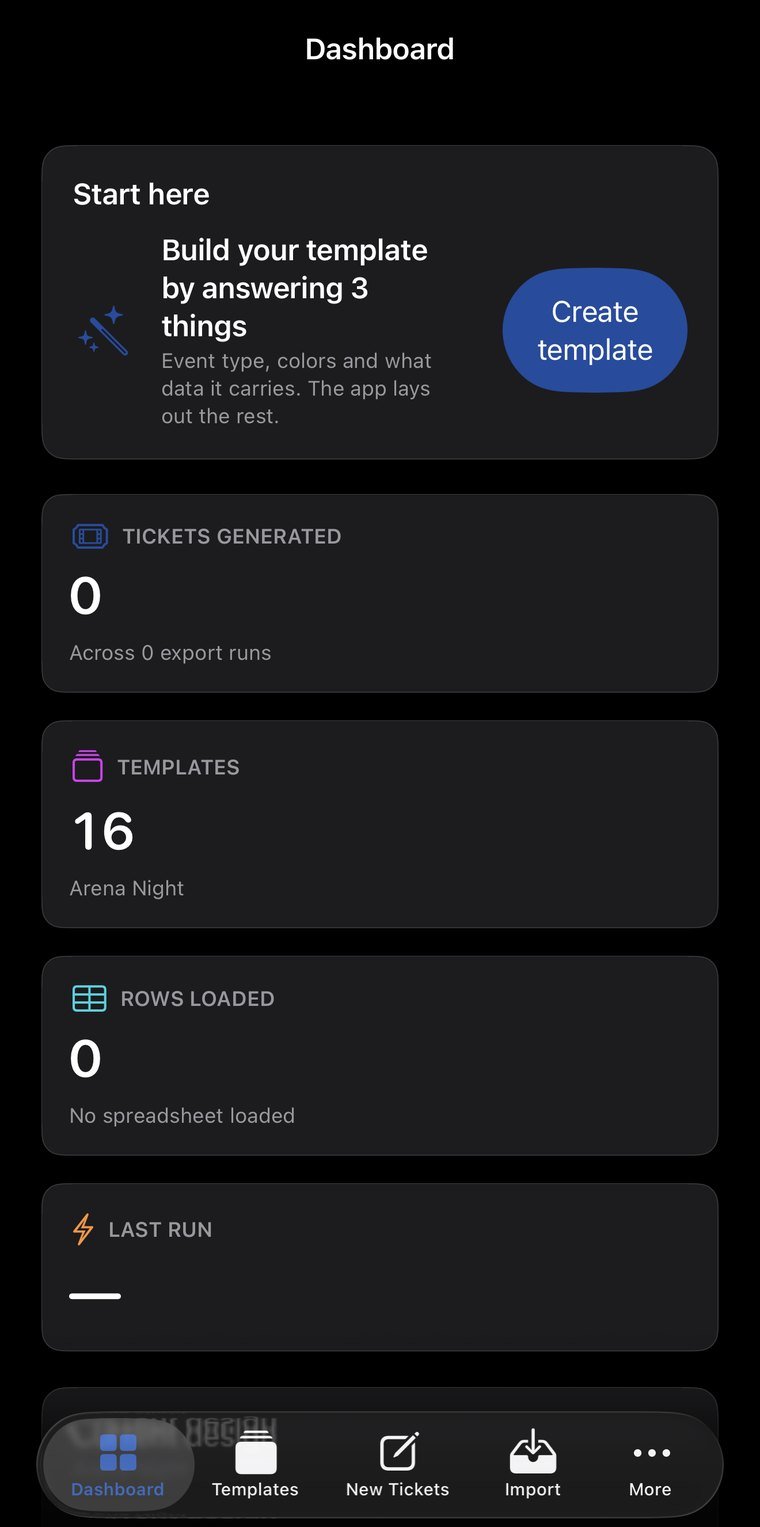
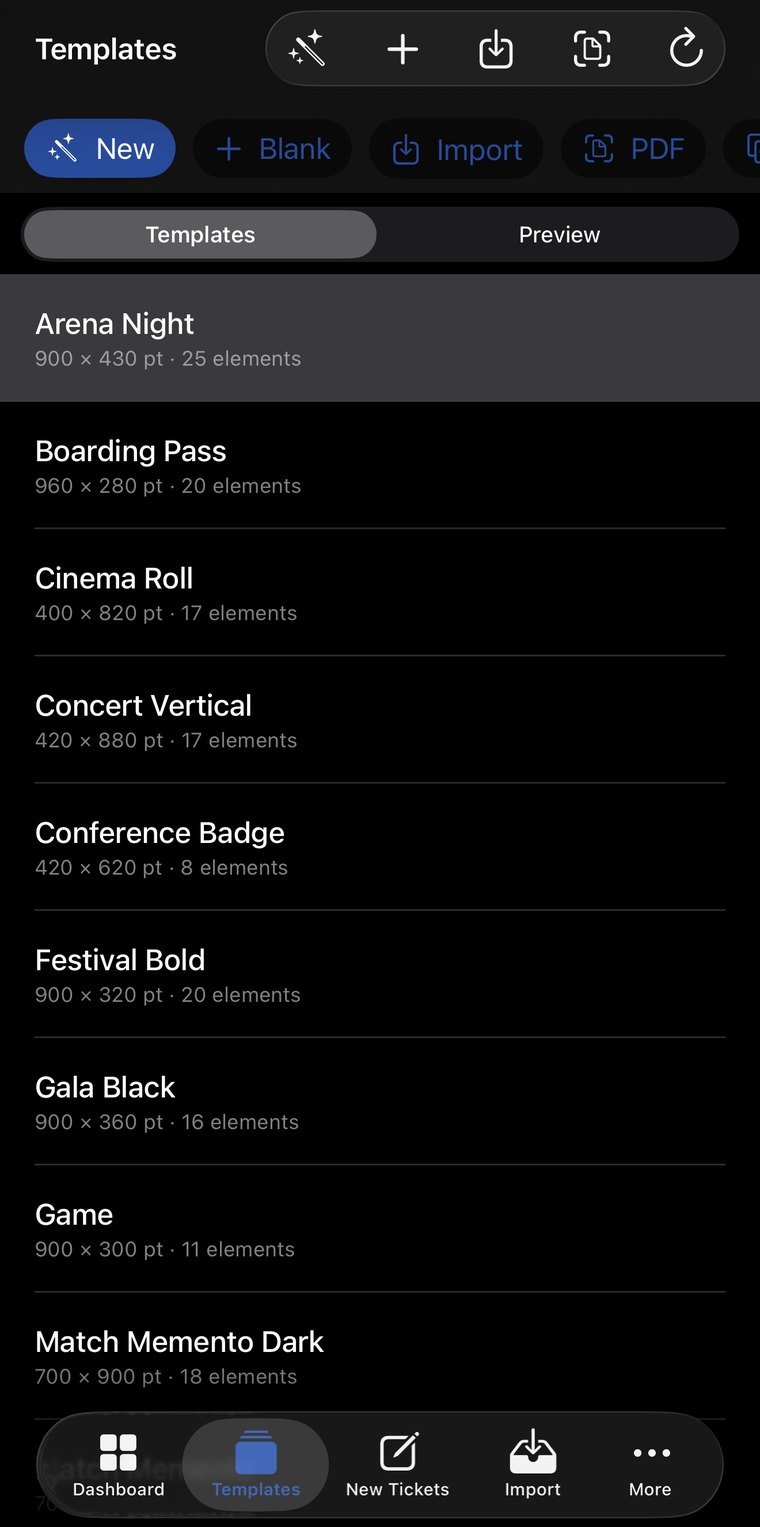
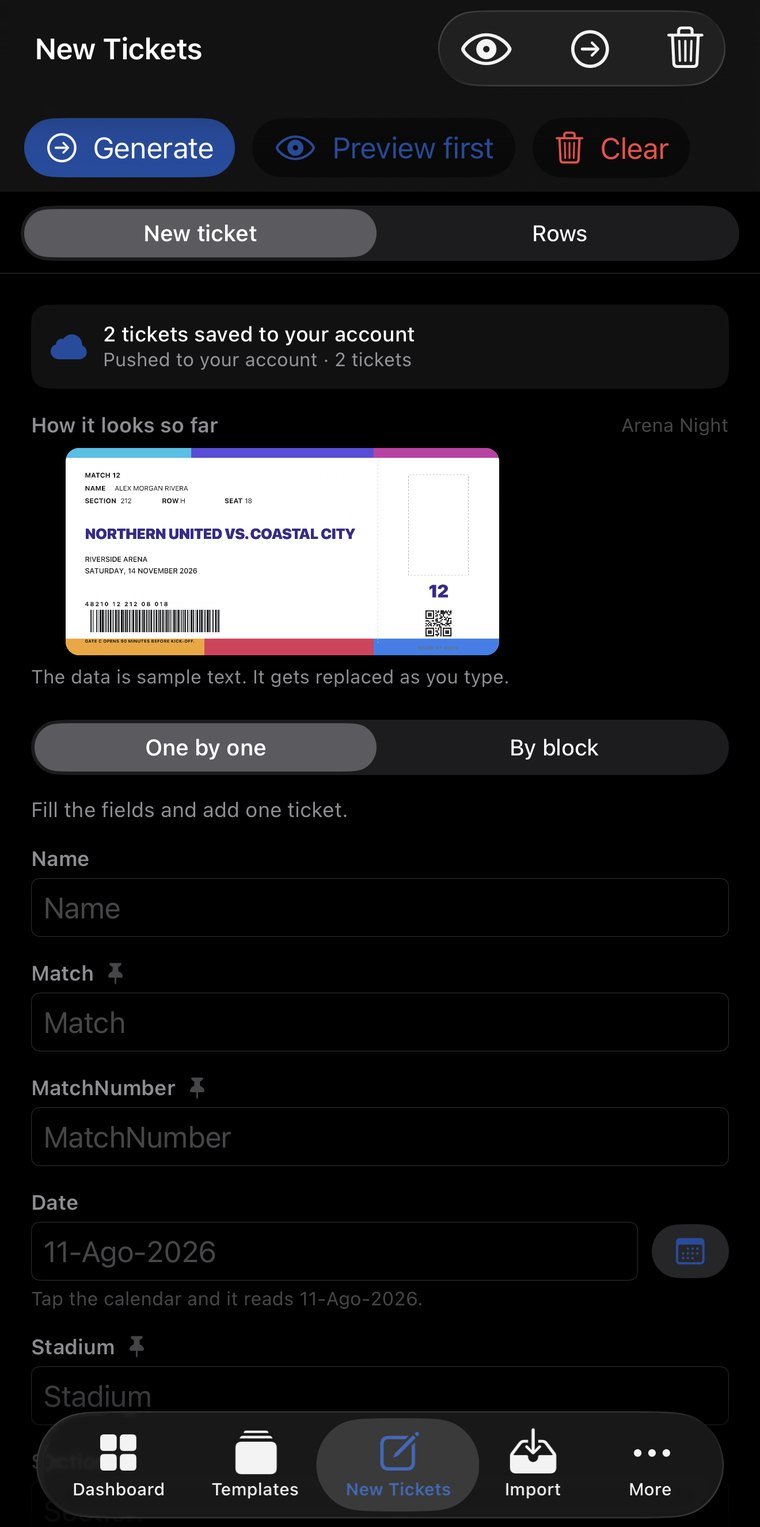
Real screenshots, not mockups. Tap any of them to see it full size; arrows move between them, Esc closes.
A canvas where every element can be dragged, resized, rotated, duplicated and locked, with snapping and unlimited undo. It saves as a template and gets reused for the next event.
Import the XLSX or CSV with name, match, date, venue, section, row, seat and code. Each row in the list becomes a ticket with its data in place.
Code128 barcodes and QR codes generated per ticket, so entry can be validated at the door with any scanner.
Define section, row and numbering in one go instead of entering seat by seat.
From one to ten thousand tickets without freezing the screen, with a progress bar and the option to cancel partway.
Vector PDF for print, 300 DPI PNG for digital, and everything zipped when it's thousands of files.
How many tickets have been generated and for which event, so you know what went to print and when.
The lock is enforced by the server, with a device change allowed once every 24 hours.
Numbering tickets by hand is where an event breaks: a seat gets repeated, a number gets skipped, or it goes to print with the wrong name. TicketMake separates the two things that always get mixed together — the design is done once on a canvas, and the data comes from your list. A thousand tickets are a thousand correct files, not a thousand chances to slip.
No new account, nothing to install: you sign in with the same email and password as the app and see your information on a big screen. Useful for reviewing, showing someone something, or printing without passing screenshots around.
The email and password you already use. If you don't remember it, the reset email goes out from that same screen.
My templates, tickets generated, files, my license…
The session lives only in that tab and is erased when you close it. If you signed in on a borrowed computer, nothing is left behind.
The web is for reading; entry happens in the app. Two places writing at once is how information stops reconciling and changes get lost — we'd rather that simply couldn't happen.
Permissions are enforced server-side, not by the page. From the browser you can't reach information that isn't yours, even if someone tries by hand.
The web is read-only: tickets are generated from the app.
For anyone running events with assigned seating: sports clubs, theaters, schools, production companies and venues.